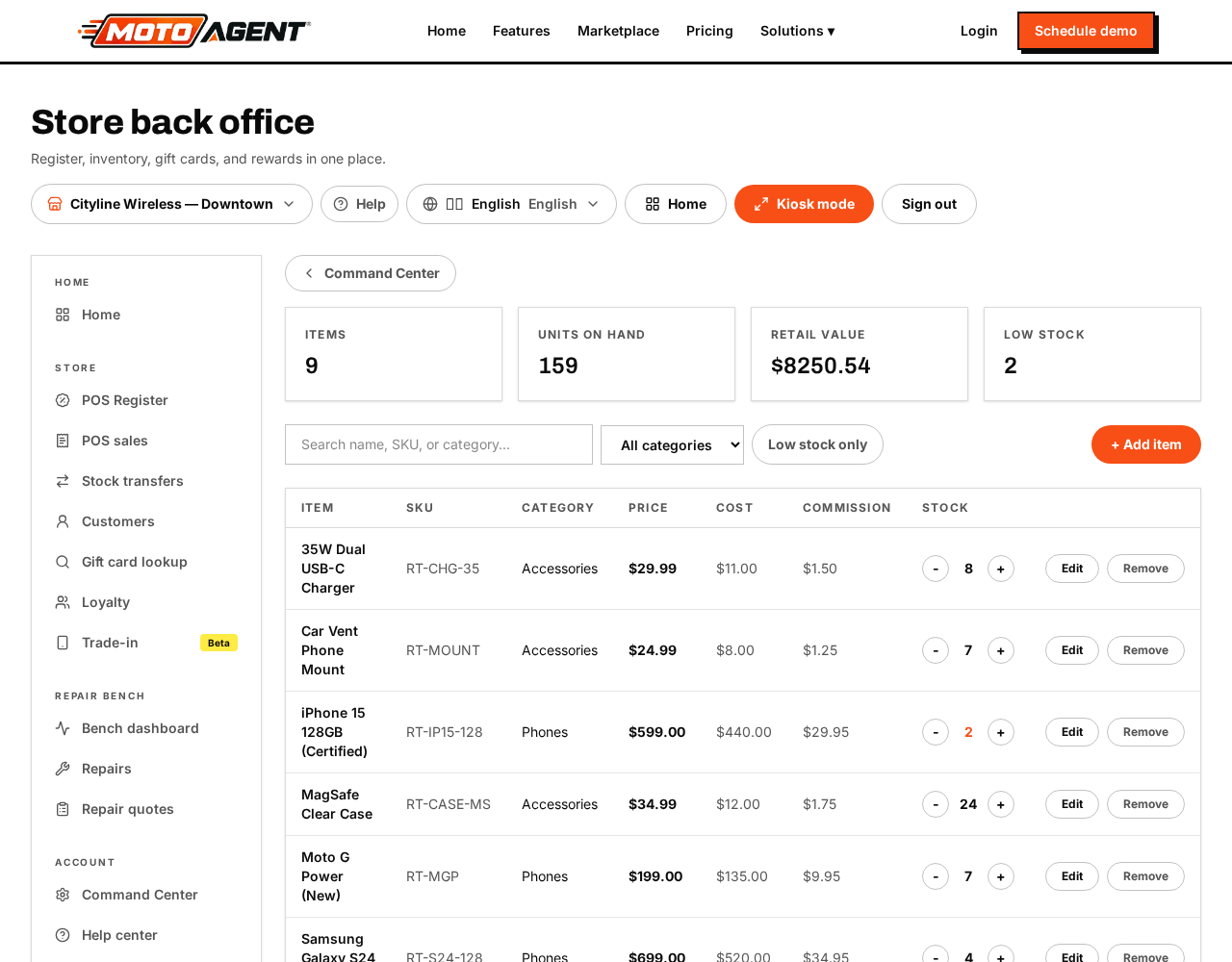
Command Center → Operations → Inventory holds everything you sell.
- Add a product with its name, price, cost, barcode and category.
- Mark a service (like a screen repair or activation) so tax rules treat it correctly.
- Set stock per location and a low stock alert level.
- Free accounts can hold up to 100 products.
Stock drops automatically on every sale and comes back on every refund.
Repair parts
Parts live in the same inventory as everything else. Tick This is a repair part on the item and you can record which devices it fits and whether it is original, aftermarket or refurbished. Parts keep the same cost, on hand count, low stock level, transfers, counts and purchase orders as any other item, so low parts show in the same alerts and can be reordered the same way.
Parts stay off the register grid so they never get sold by mistake, but a search at the register still finds them. Use the Repair parts filter in Inventory to see only parts. Technicians pull them from stock on the ticket under Parts used, which deducts the part and shows the true profit on the job.