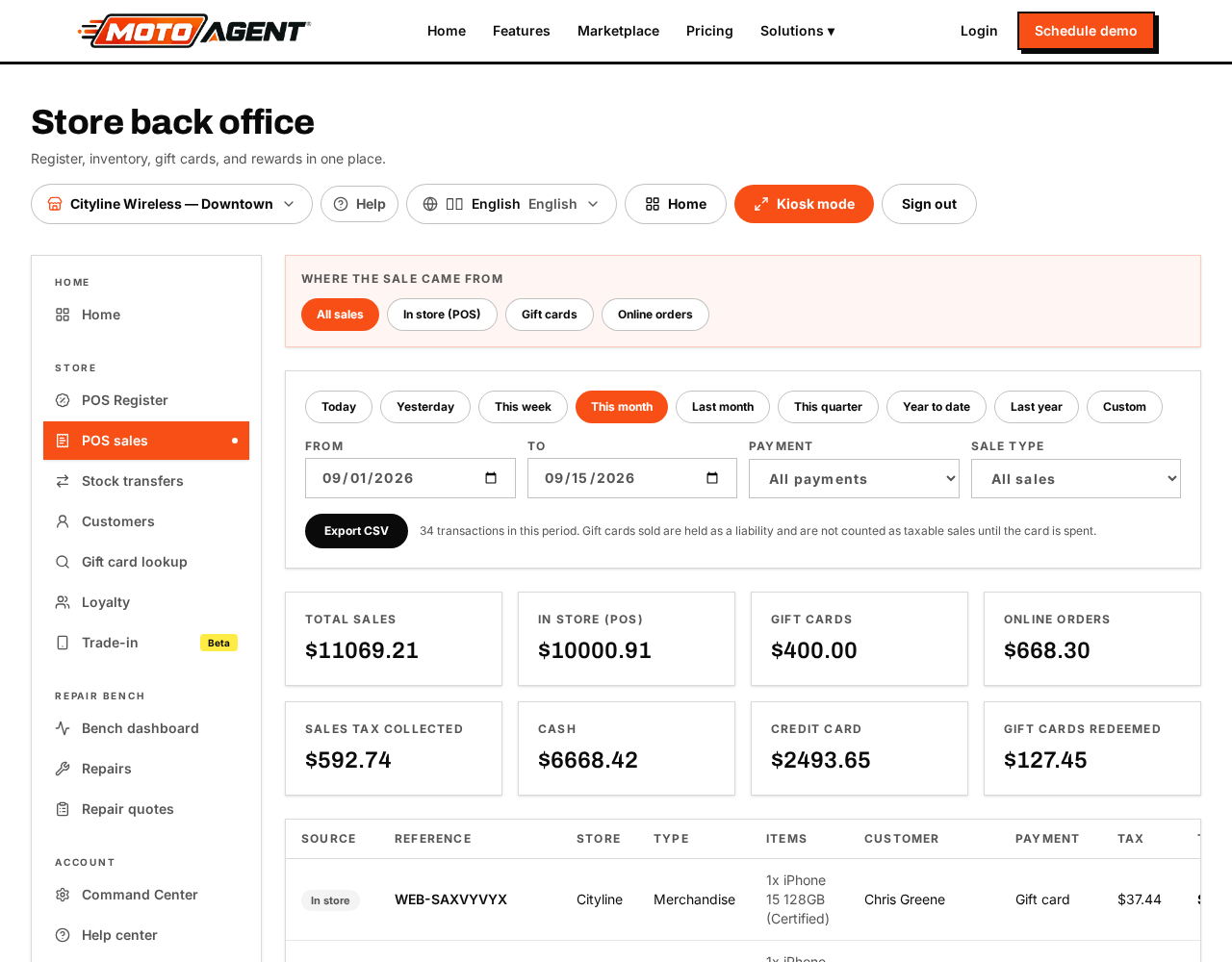
- In the register, open the Menu and choose Refund.
- Look the receipt up by number, or search the customer.
- Tick the lines being returned, or tap Select all.
- Choose the refund method. Card refunds go back to the original card; cash refunds come out of the drawer.
- Confirm. Stock goes back on the shelf automatically and the refund appears in your reports and the drawer count.
Edit what customers read and sign
Open Command Center → Store → Receipts & customer screen. It has three tabs: Receipt (what prints, with a live sample), Signature terms (repair authorization, purchase, refund or return, each with a tablet preview and a restore default wording button), and Customer screen (screen name, tagline and promo images). Wording is set once and used at every location. Leave a box empty to keep the standard wording. Signatures already on file keep the wording that was signed at the time.